01
Start with the intent
State the subject, scene, and visual goal before adding supporting detail to the prompt.
Turn prompts into images and revise existing visuals in one personal workflow. Choose the available controls, compare results, and make the next change with a clear reason.
PictoFlex AI keeps the prompt, source image, model, aspect ratio, resolution, image count, and current credit cost in view so each result is easier to compare and the next change easier to plan.
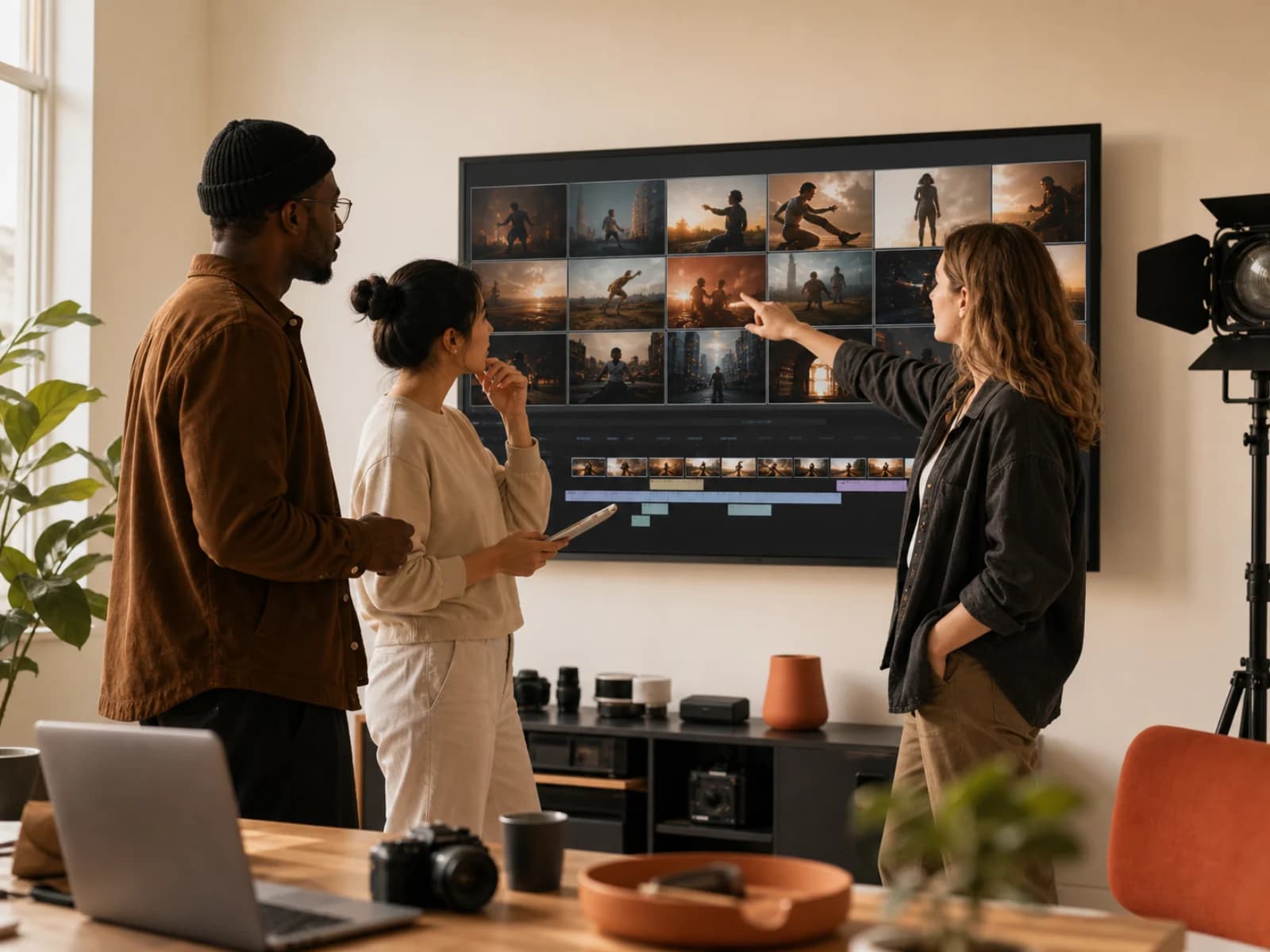
A clear sequence helps you understand why an image changed and what to adjust next.
State the subject, scene, and visual goal before adding supporting detail to the prompt.
Set the available aspect ratio, resolution, and image count for the asset you need.
Review variations together, keep the useful direction, and change one decision at a time.
The generator shows the models, settings, and current credit cost available for the request.
Generate a new image or revise an existing one, then use the controls shown in the workspace to shape the output.
Describe the subject, composition, setting, and finish you want to explore in a new image.
Upload a source image and describe what should change as well as the details that should remain.
Choose from the aspect ratios, resolutions, and image counts currently available in the generator.
Review the models and current credit costs shown for the task, then choose the option that fits the next attempt.
Share the context for a partnership, press inquiry, or creator collaboration. Use Support in the Account Center for product, billing, or account questions.
