Prompt step 01
Lead with the single change you want
Start with one visible edit such as replacing the background, removing an object, changing an outfit, or adjusting the light. Add context only after the main request is clear.
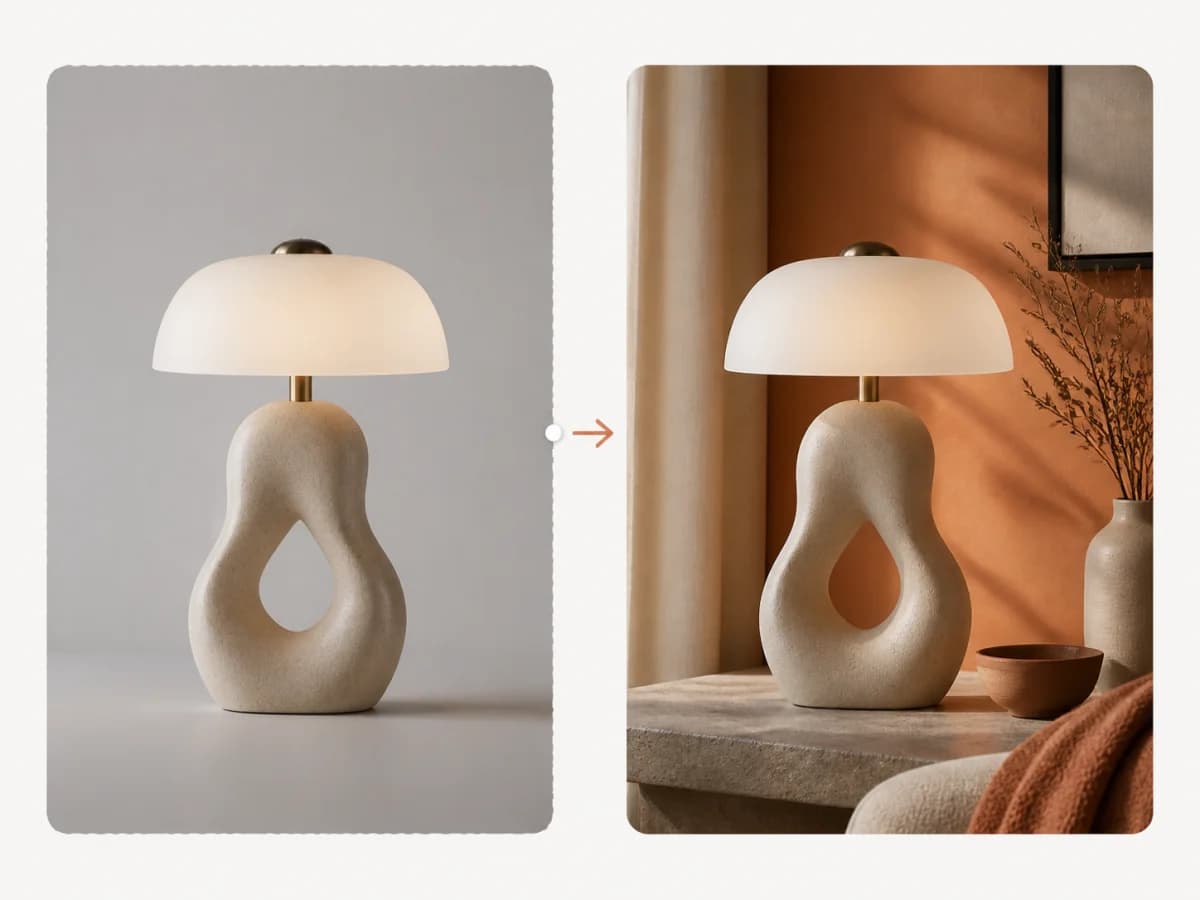
Upload an existing image, describe the change, and name the details that should stay fixed. Work in focused passes to adjust objects, backgrounds, lighting, or style without starting over.
A useful edit prompt separates the requested change from the parts of the source that should remain stable, then handles complex revisions in focused passes.
Start with one visible edit such as replacing the background, removing an object, changing an outfit, or adjusting the light. Add context only after the main request is clear.
Name the face, pose, product shape, proportions, logo placement, camera angle, or shadows that should stay fixed. These constraints tell the editor what belongs to the source.

When a request combines several changes, handle them one at a time. Review the subject first, then refine the environment, style, color, and finish in later passes.
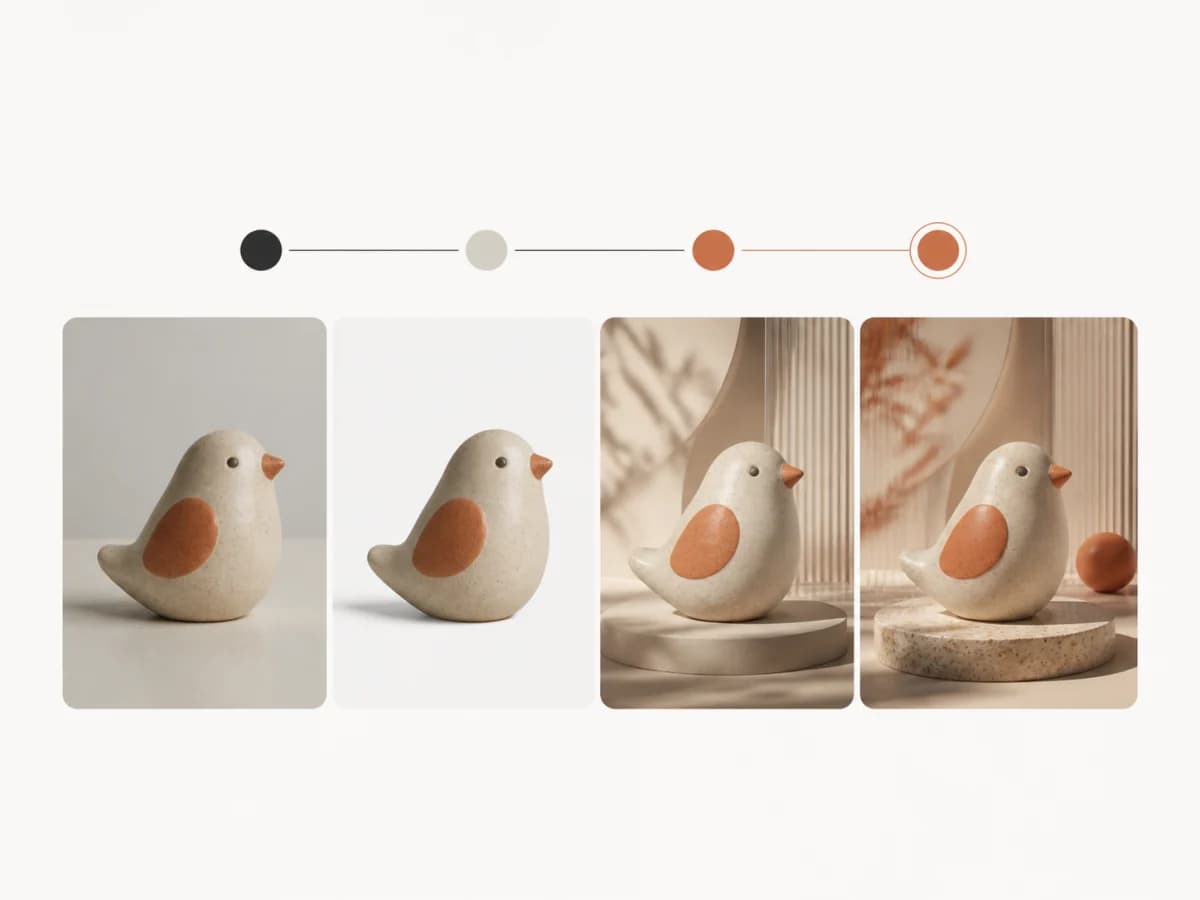
Start with one visible edit such as replacing the background, removing an object, changing an outfit, or adjusting the light. Add context only after the main request is clear.
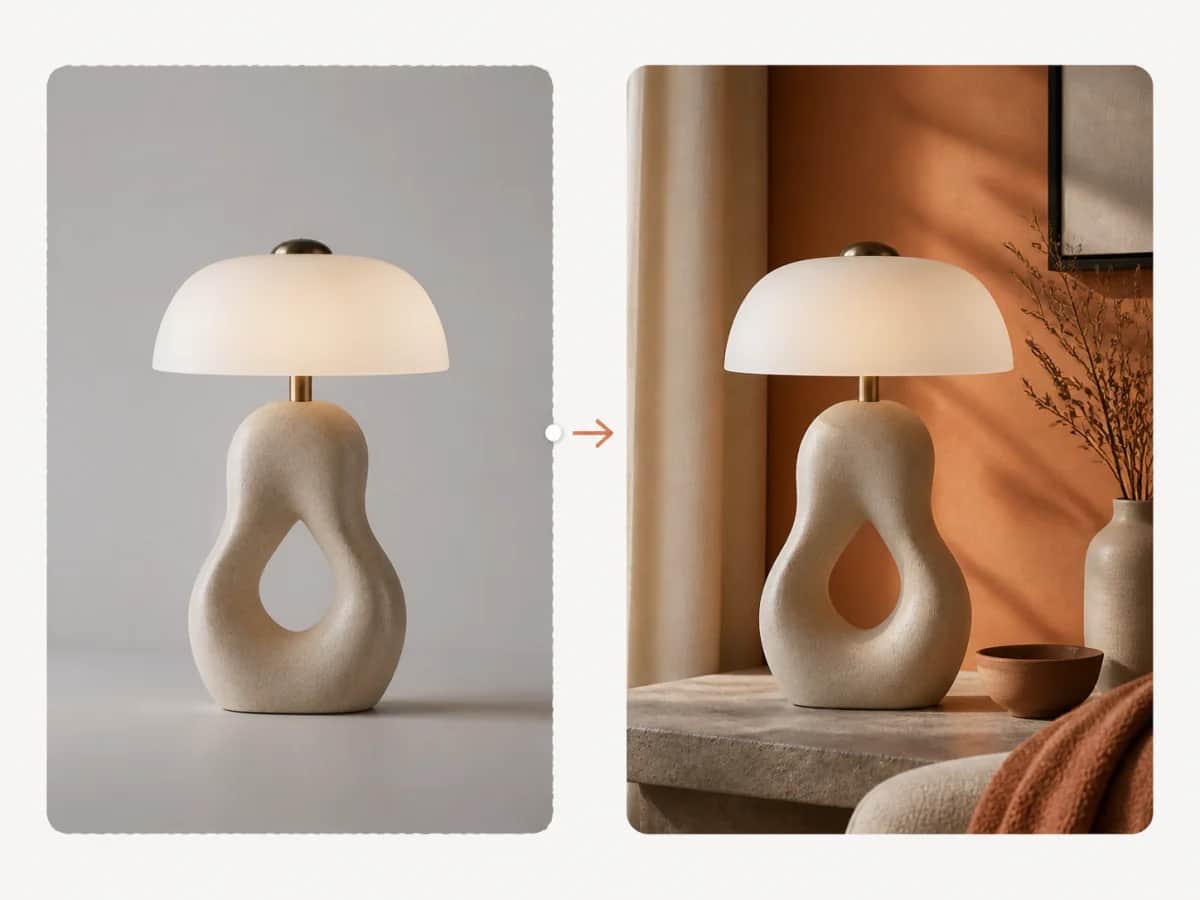
Name the face, pose, product shape, proportions, logo placement, camera angle, or shadows that should stay fixed. These constraints tell the editor what belongs to the source.

When a request combines several changes, handle them one at a time. Review the subject first, then refine the environment, style, color, and finish in later passes.
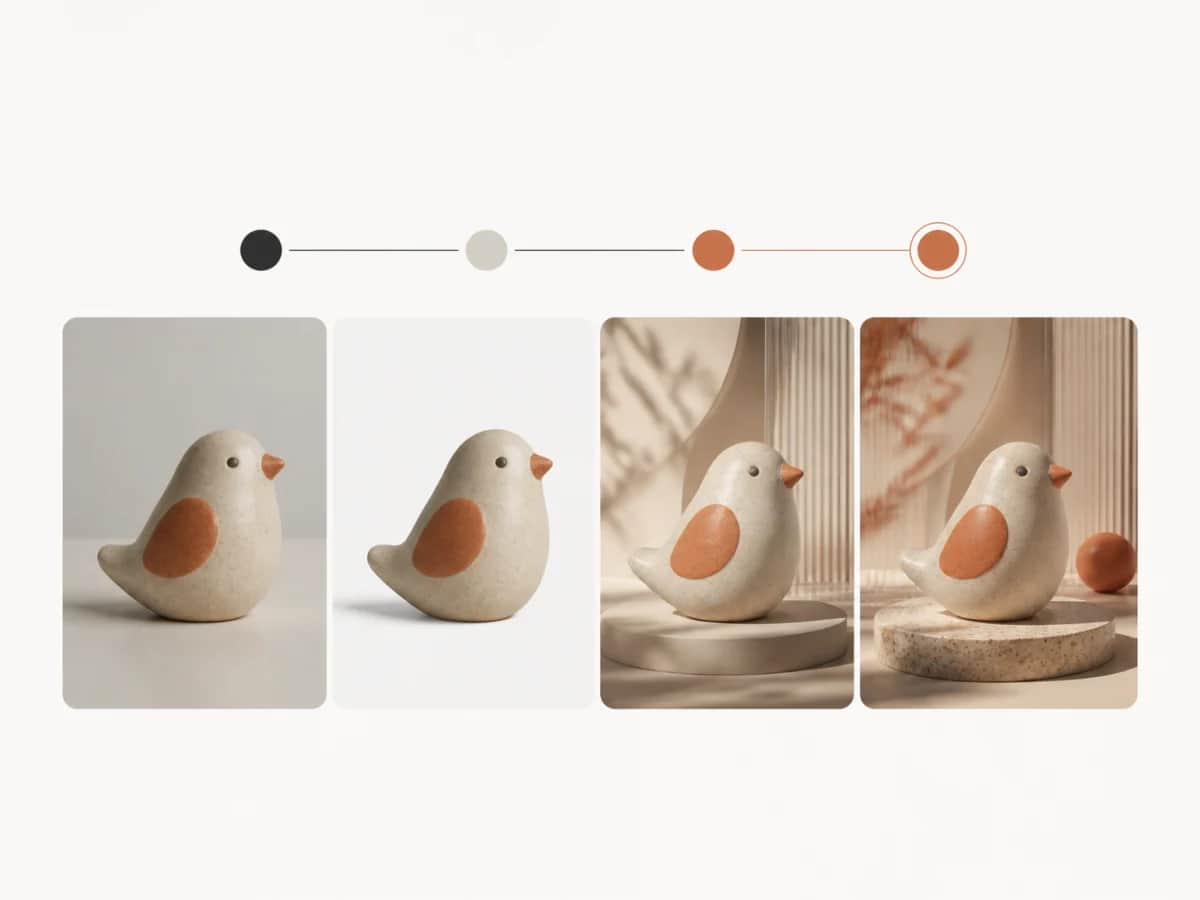
How text-guided editing works, how to separate a change from preserve rules, and how to refine an existing image in focused passes.
Bring an existing image to PictoFlex AI, write the change first, and add the details that should remain fixed.